



Built for Claude Code

Use any AI with Claude Code.
Switch accounts with one click.

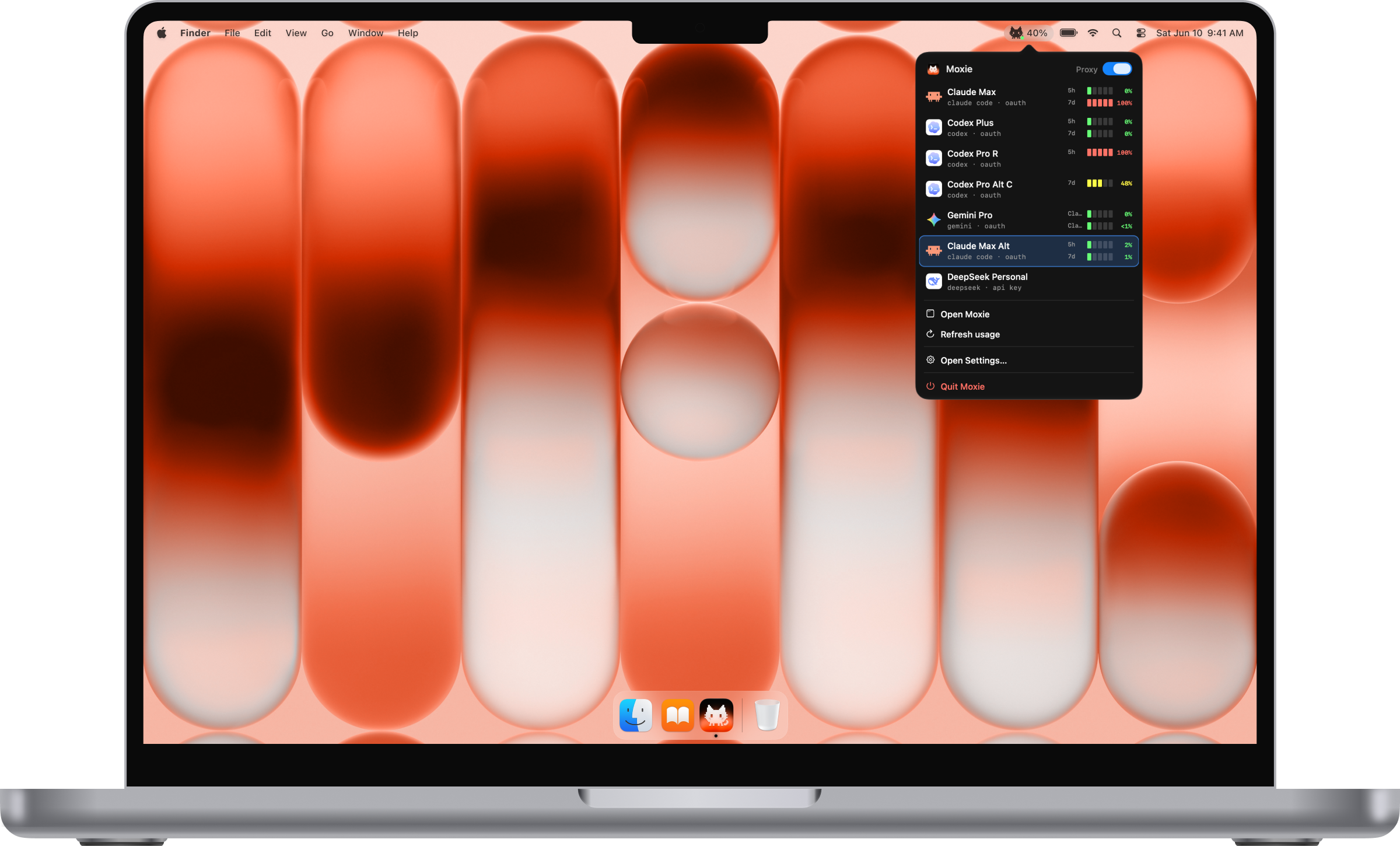
Moxie lives in your Mac's menu bar. Connect OpenAI, Gemini, DeepSeek, Ollama, and more, then use them directly from Claude Code.

Moxie - Use any AI with Claude Code, switch accounts mid-task | Product Hunt Moxie - Use any AI with Claude Code, switch accounts mid-task | Product Hunt
macOS 12 or later Runs locally

Set it up once.
Then just use Claude Code.

Moxie sits between Claude Code and your AI accounts and takes care of the fiddly parts.

Auto-switches before you hit a limit

Smart Router lines up your accounts in a chain. At 97% of a limit, new requests move to the next account, even on another provider, so your agents keep working without interruption. When the first account resets, it switches back on its own.

Smart Router guide →

Any model in any Claude Code slot

Claude Code's picker has four slots: Fable, Opus, Sonnet, and Haiku. Put any model from any provider in each, or pick a preset to swap all four at once.

Slots guide →

Auto integrates with Claude Code

Turn Moxie on and it sets up Claude Code for you, in both the CLI and the VS Code extension. If Claude Code rewrites its settings later, Moxie puts them back.

Bring every account you have

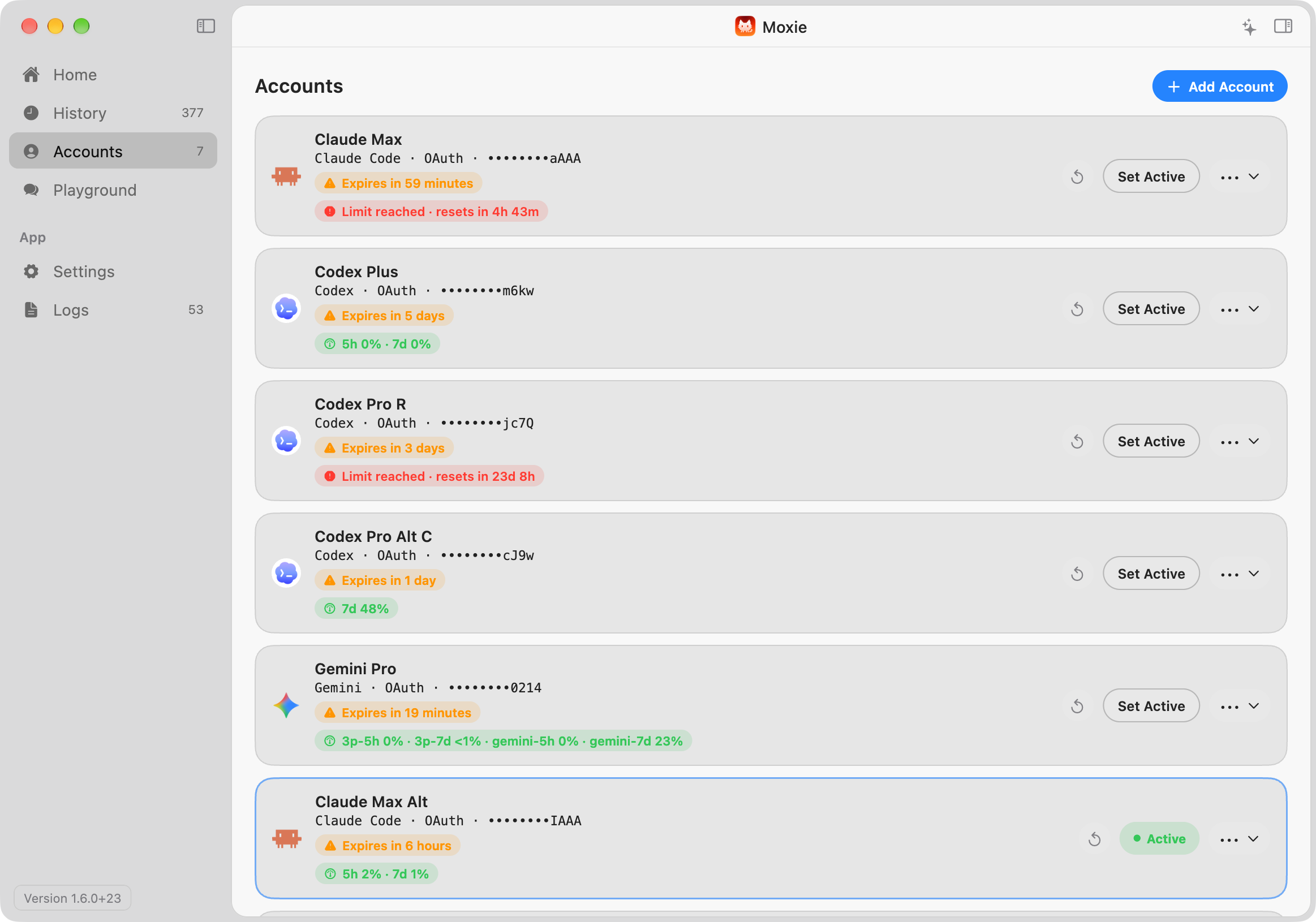
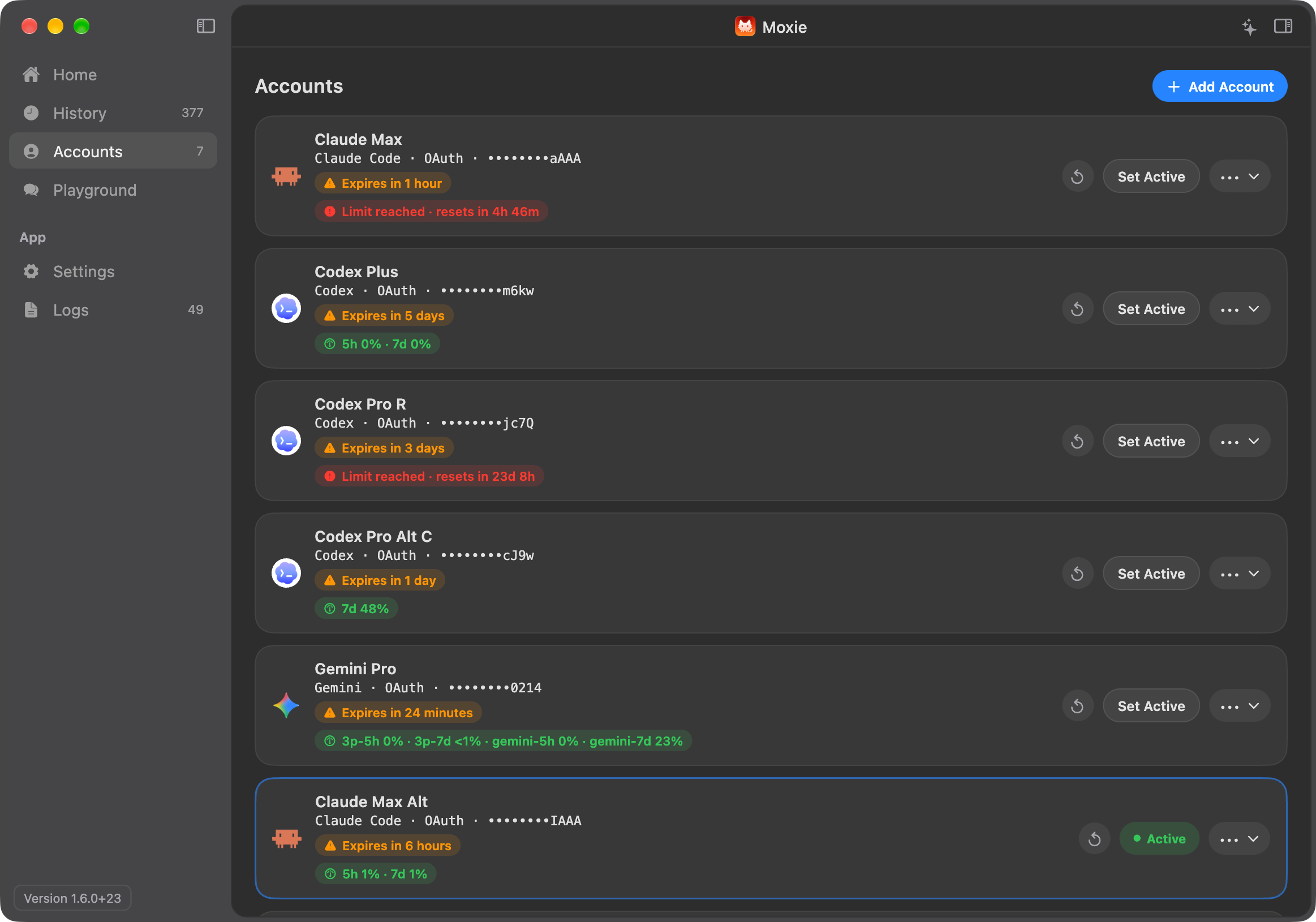
Add Claude plans, ChatGPT, Gemini, DeepSeek, API keys, or local models. Already signed in to Claude Code, Codex, or Antigravity on this Mac? Moxie can import those logins.

Switch accounts mid-task

Change accounts while an agent is still working. Requests already running finish where they started, and the next one goes to the new account.

Know where your limits stand

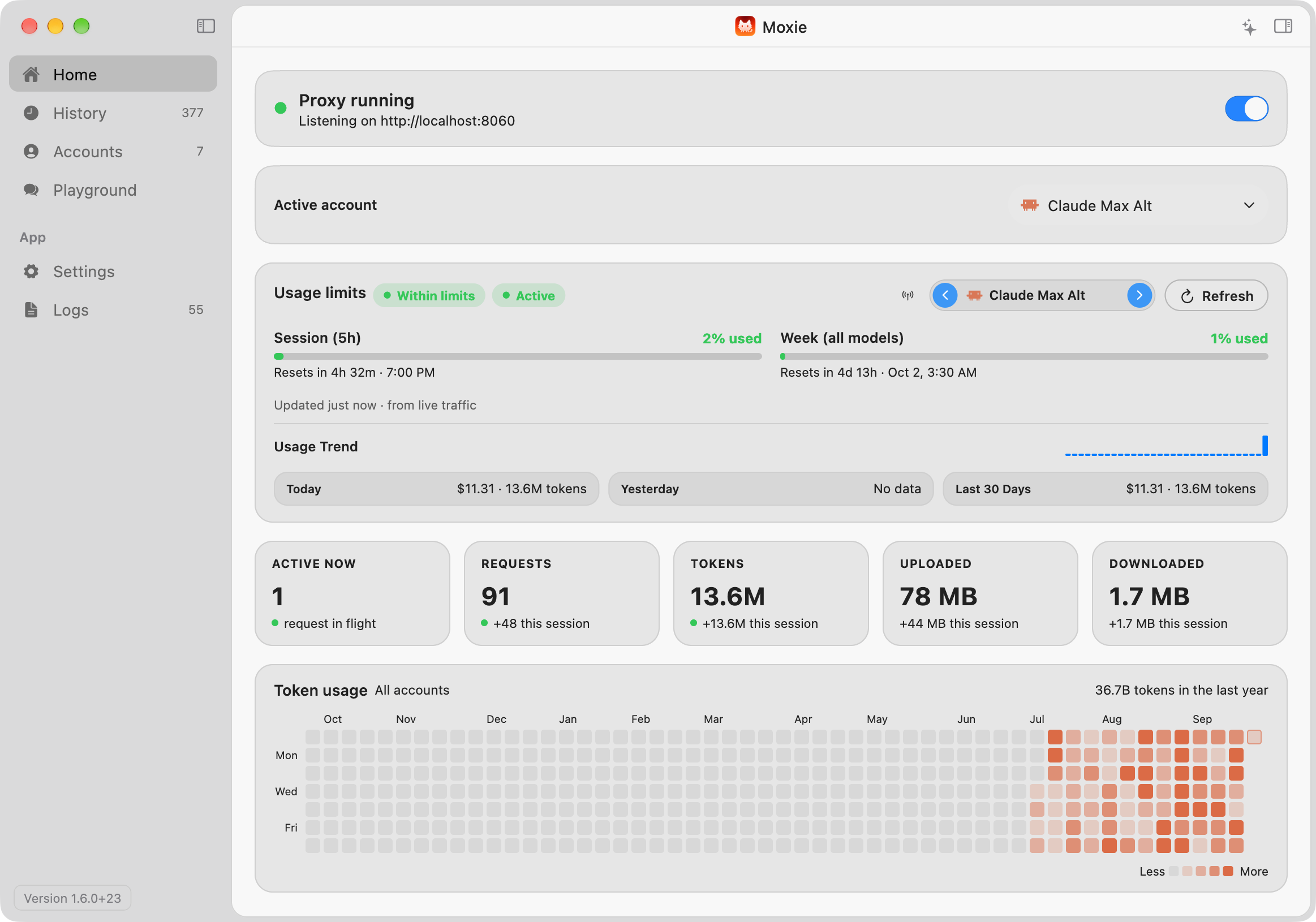
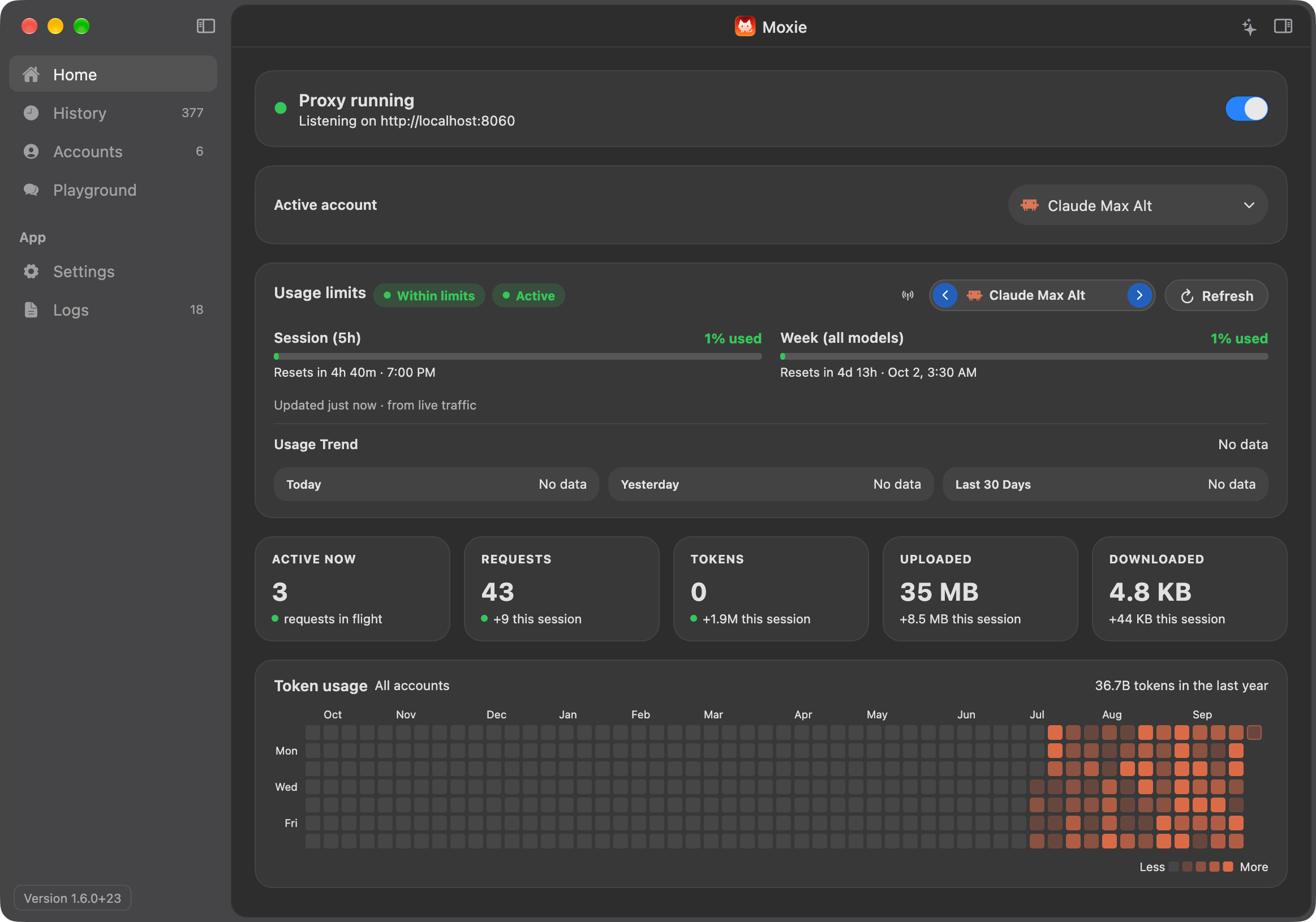
See the five-hour and weekly windows for every account side by side, kept up to date from your actual traffic.

A heads-up before you run out

You get a notification when an account reaches 90% of a limit, another when it runs out, and one more when it resets.

Your usage, day by day

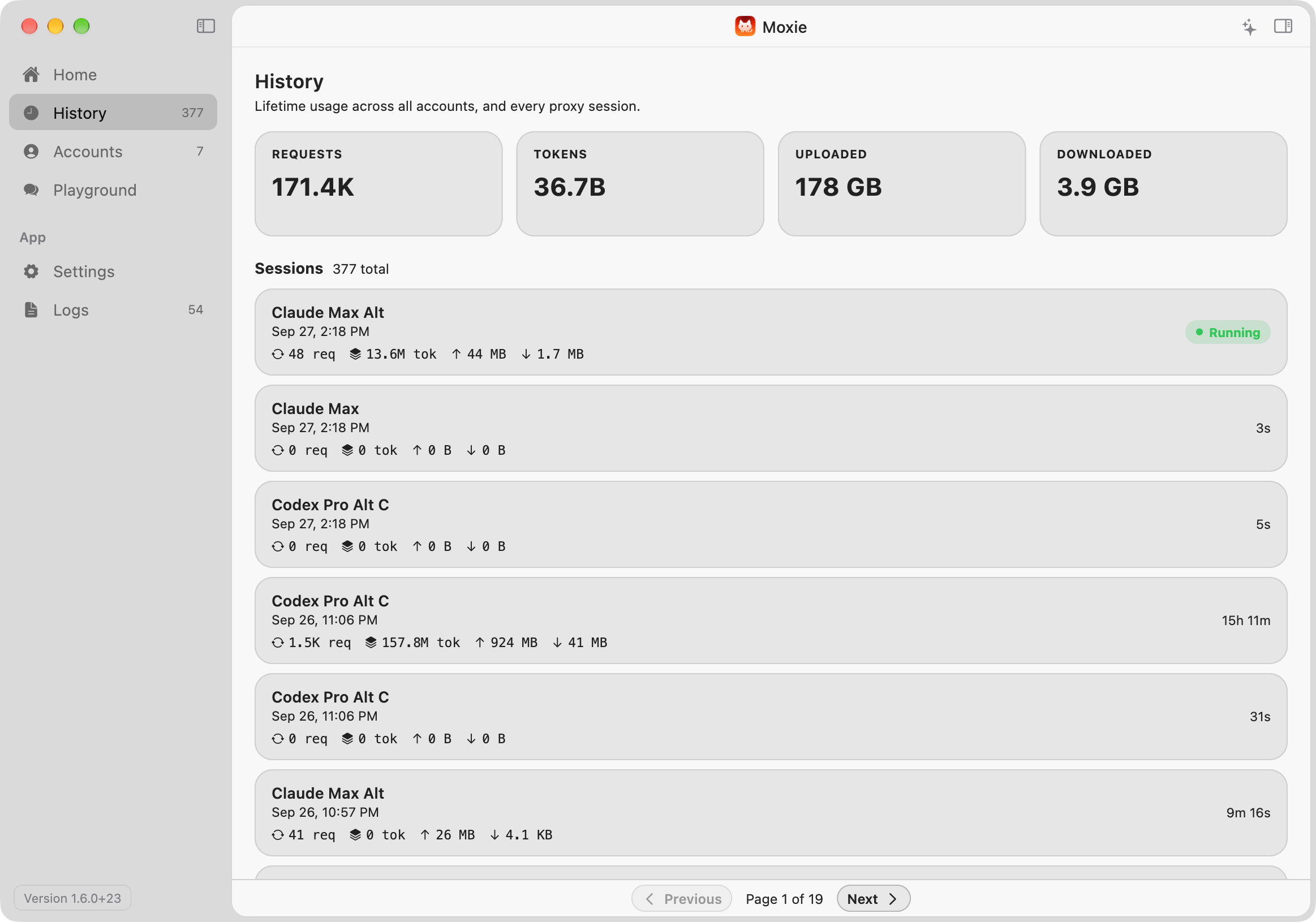
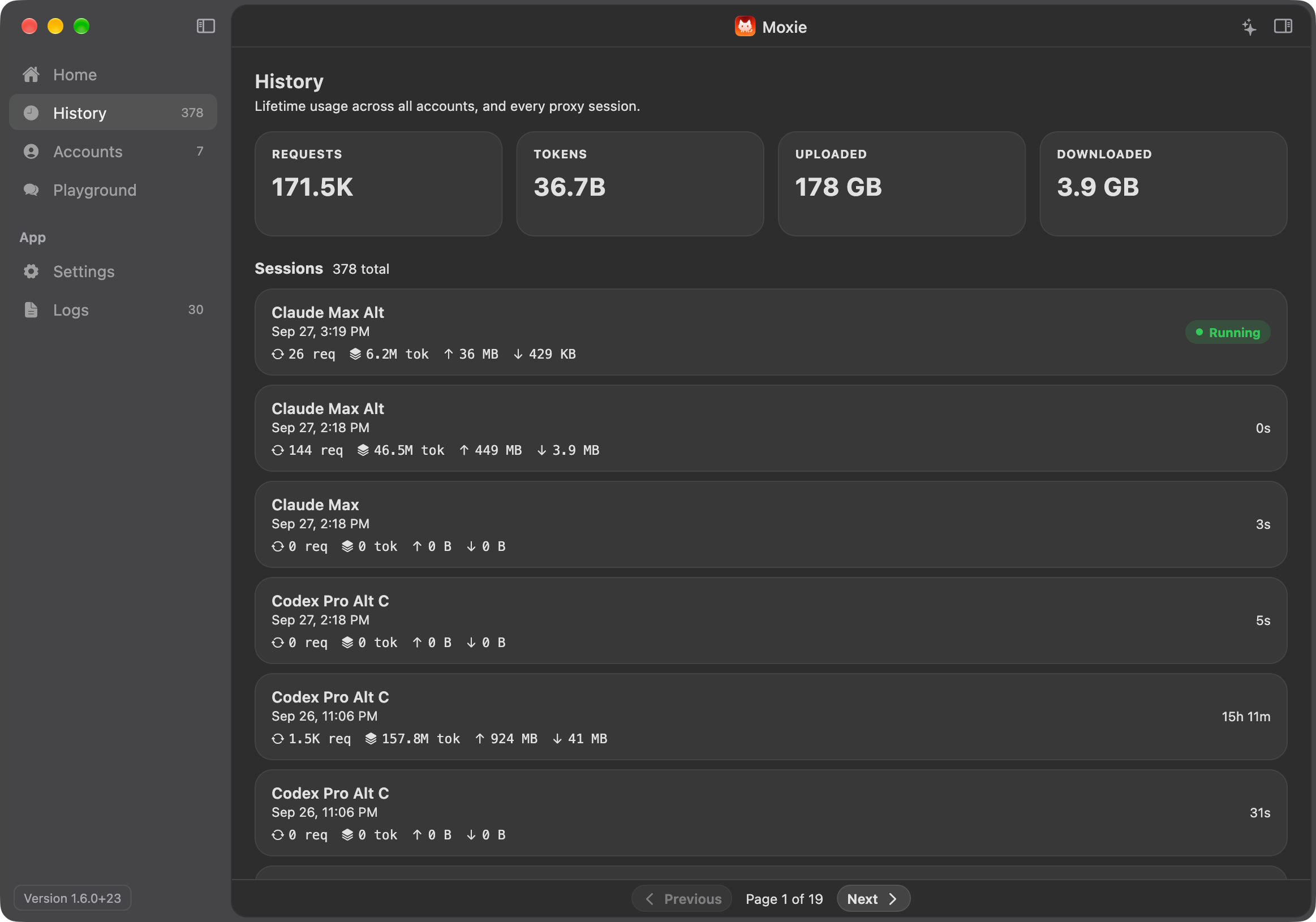
A GitHub-style heatmap shows a year of token use. History keeps every session, and Home shows what today has cost so far.

Right there in the menu bar

Check usage, switch accounts, or turn Moxie off without opening a window.

A Dock icon that drains

The Moxie icon empties as the active account uses up its five-hour limit, so you can tell how much is left at a glance.

Try a model before you rely on it

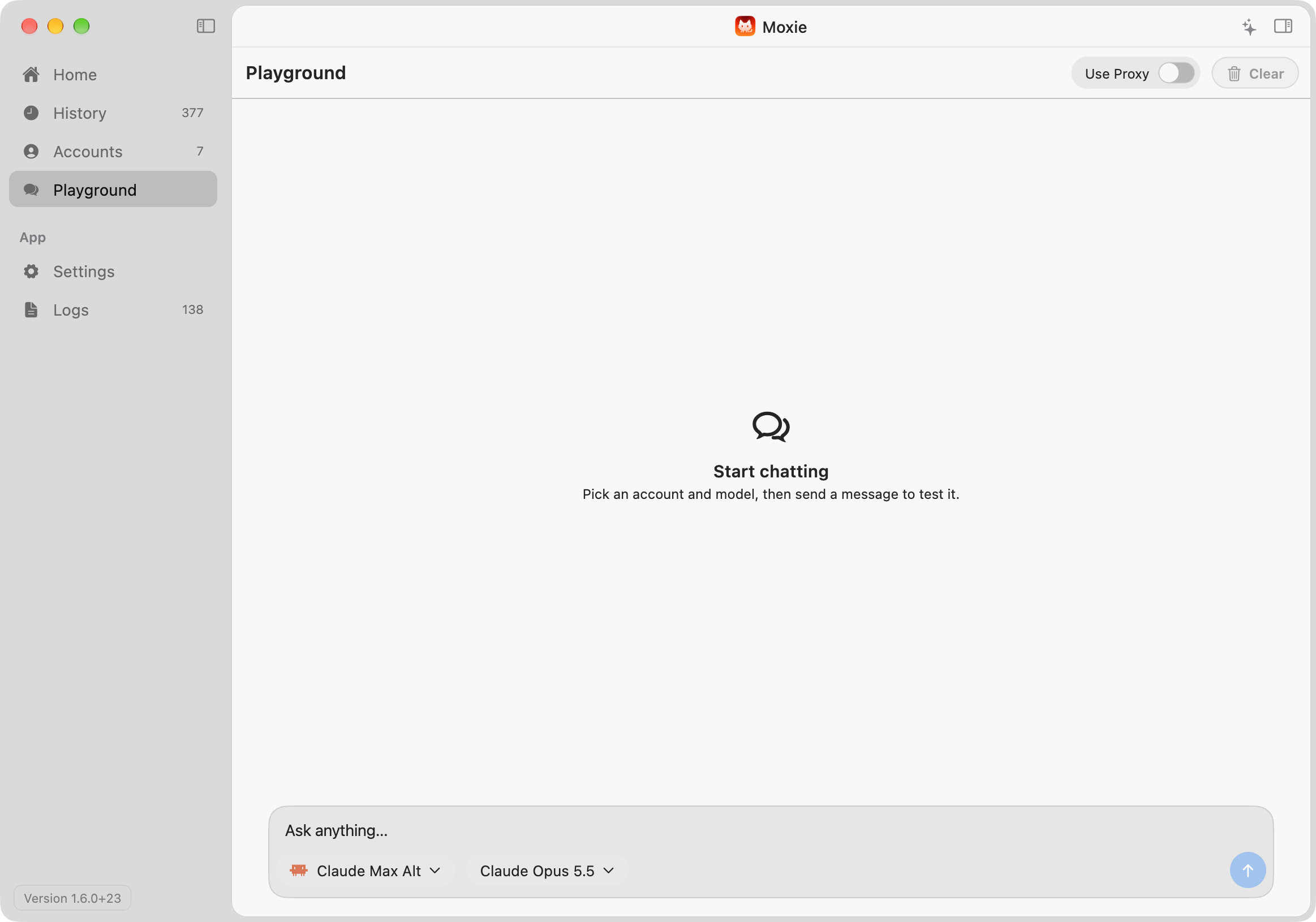
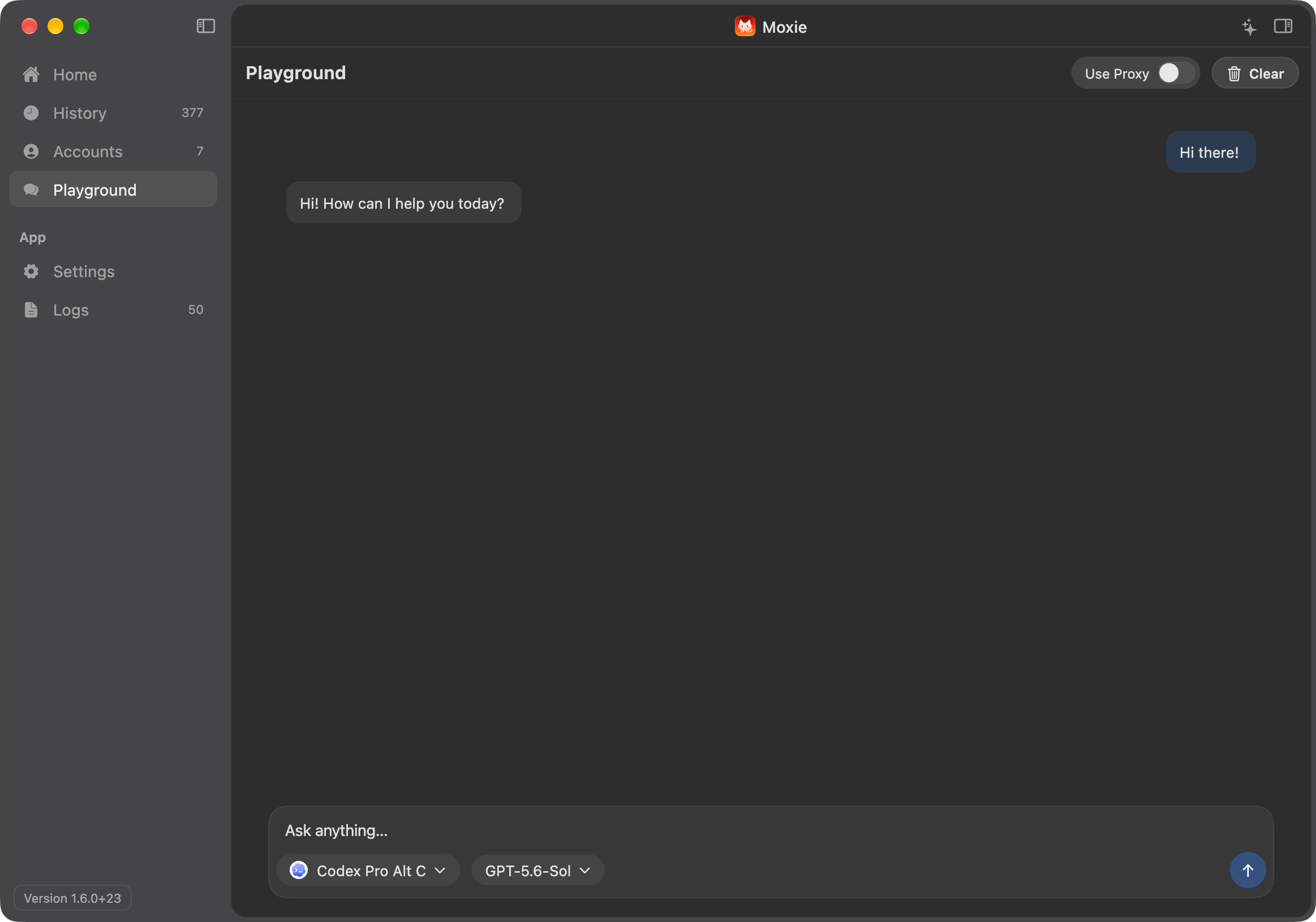
Chat with any account and model in the Playground. It's the quickest way to check a new login before Claude Code depends on it.

Keys stay in your Keychain

API keys and login tokens are stored in the macOS Keychain. Requests go straight from your Mac to the provider.

Starts with your Mac, updates itself

Moxie can open at login already on, and it checks for signed updates on its own.

Back up and bring it all back

Save your accounts, settings, and full usage history to one file. Restore it later on this Mac or a new one.

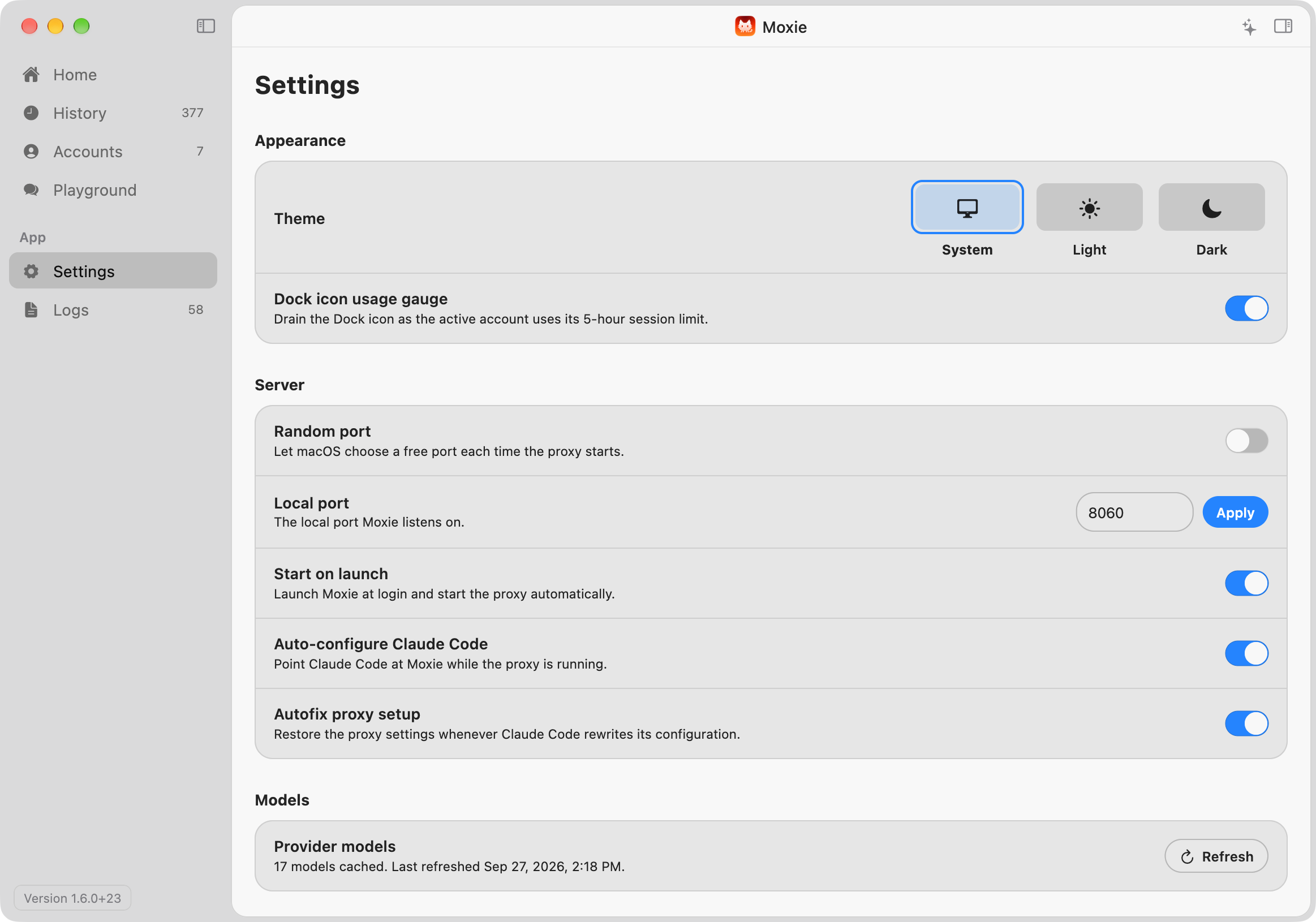
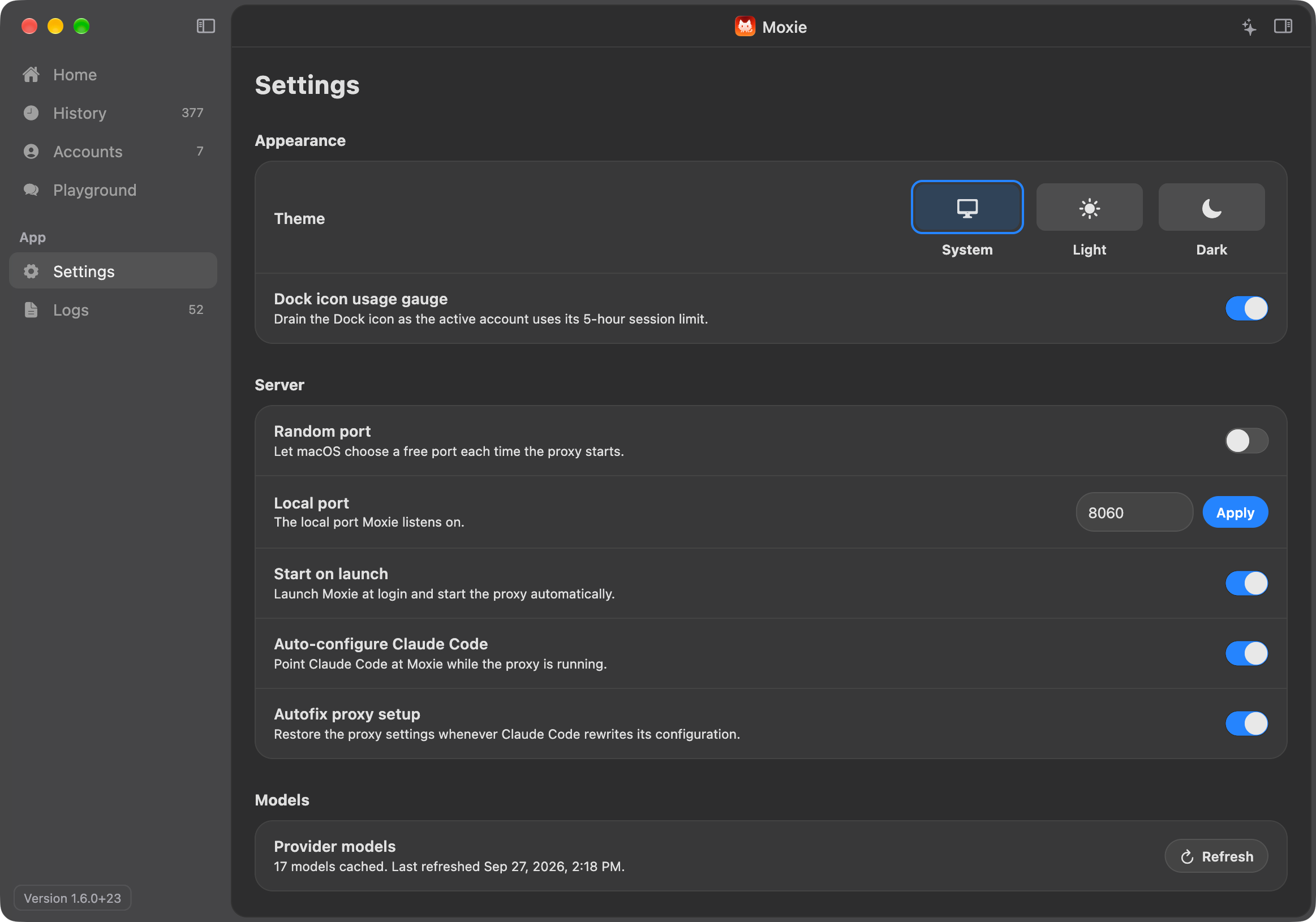
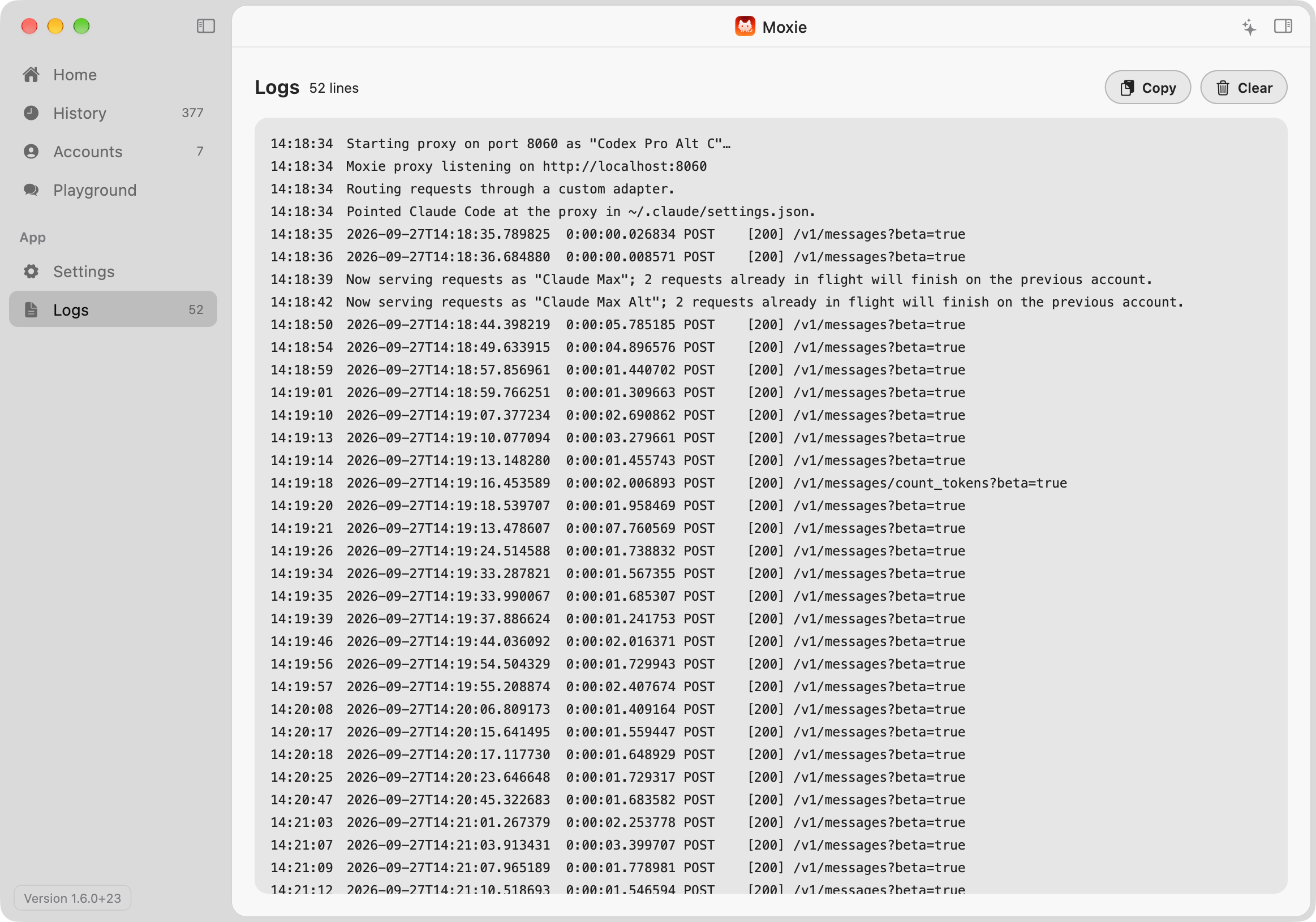
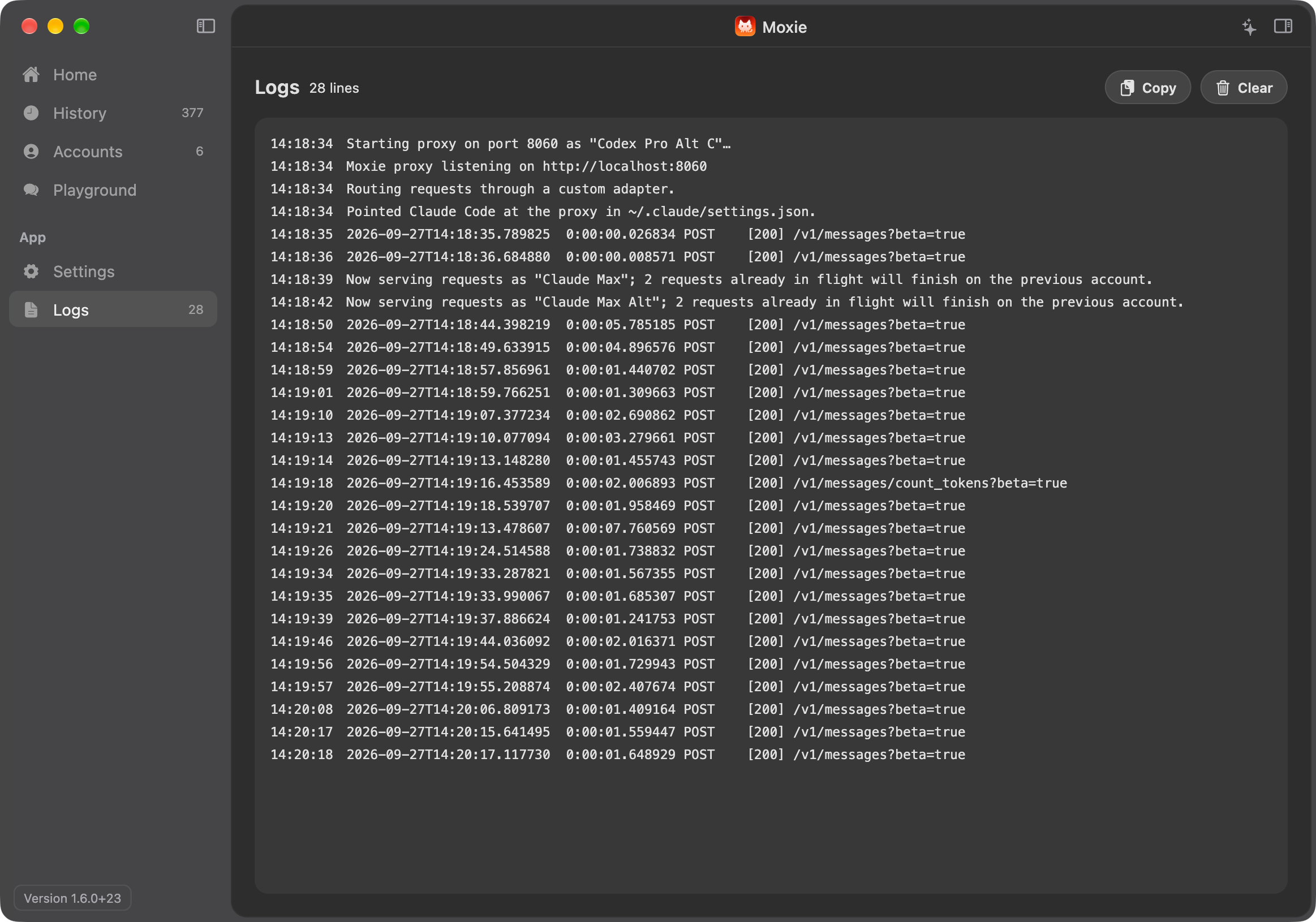
A quick tour of the app.

The menu bar handles the quick stuff. The main window has everything else.

Screenshot of Moxie's Home screenScreenshot of Moxie's Home screenScreenshot of Moxie's History screenScreenshot of Moxie's History screenScreenshot of Moxie's Accounts screenScreenshot of Moxie's Accounts screenScreenshot of Moxie's Playground screenScreenshot of Moxie's Playground screenScreenshot of Moxie's Settings screenScreenshot of Moxie's Settings screenScreenshot of Moxie's Logs screenScreenshot of Moxie's Logs screen

Moxie's status, the active account, live usage limits, today's cost, and a year of token use on one screen.

Claude Code, with your pick of models.

Whether it's a Claude plan, an API key, or a model running on your Mac, Claude Code talks to all of them the same way.

Your keys never leave your machine.

Moxie runs on your Mac and listens on localhost. Credentials stay in Keychain, and requests go straight to the provider you picked. Apart from license, update, and pricing checks, Moxie doesn't phone home.

No Moxie account Keychain storage Signed updates

Try it with the accounts you already have. No subscription required.

Download for Mac

Version 2.4.0 · macOS 12 or later · Updates install from inside the app